
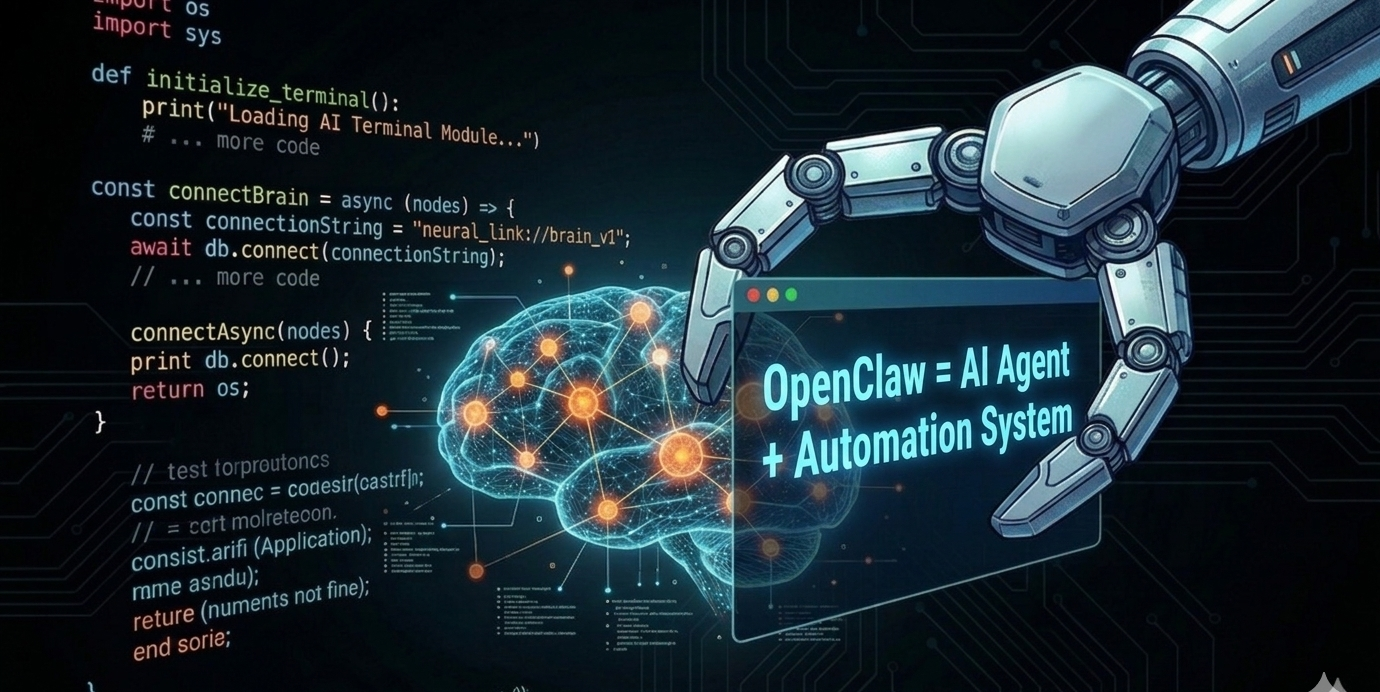
Most AI assistants are just chatbots. They respond, they suggest, they summarize — but they don't actually do anything. OpenClaw is different. Created by Peter Steinberger and released in 2025, OpenClaw is an open-source personal AI assistant framework that runs on your own computer and can perform real tasks automatically. This article breaks down what it is, how it works, and why it matters.
OpenClaw
OpenClaw is a local-first AI assistant — meaning it runs on your own device (PC, server, or VPS) rather than in the cloud. Your data stays private, you choose which AI model to use, and you can automate real workflows across your system. It is released under the MIT license, making it fully open-source and customizable.
Architecture
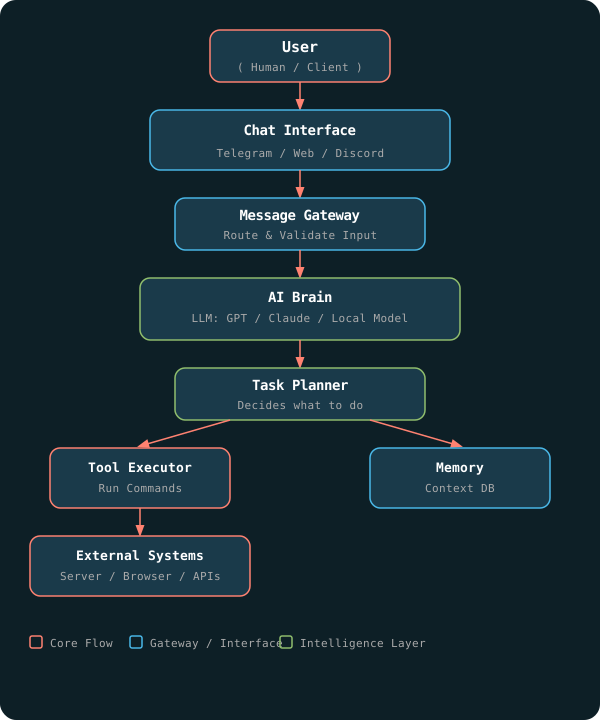
OpenClaw is built around four core components that work together to take a user message all the way through to real-world action:
- Gateway — Receives messages from chat apps like Telegram, Discord, Slack, or a web interface
- AI Model — Reasons about the request using GPT, Claude, Gemini, or any local model
- Tools / Skills — Executes actions: running scripts, browsing websites, managing files, calling APIs
- Memory System — Stores context and remembers information across sessions
What Can OpenClaw Actually Do?
Unlike a chatbot that only talks, OpenClaw can take real actions on your system. Some practical examples:
- Read and organize emails automatically
- Run terminal commands and return results
- Control browsers for web automation
- Manage files and folders on your computer
- Send notifications through chat apps
- Automate repetitive daily workflows
It connects natively with WhatsApp, Telegram, Discord, Slack, and Gmail — so your AI assistant lives right inside the tools you already use.
A Simple Example
Here is what a real OpenClaw interaction looks like:
- User sends via Telegram: "Check my server disk space"
- OpenClaw receives the message through the Gateway
- The AI Brain interprets the intent and selects the right tool
- The Tool Executor runs the disk space command on the server
- The result is sent back to the user in Telegram
The entire flow happens automatically — no manual steps, no switching apps.
Why Developers Like It
- Open-source under MIT license — free to use and modify
- Works with any AI model: GPT, Claude, Gemini, or local models
- Fully self-hosted — your data never leaves your machine
- Runs 24/7 automation without any cloud dependency
- Modular tool system — easy to add new capabilities
Security Considerations
Because OpenClaw can control system tools and execute commands, security is critical. Recent reports have highlighted two concerns to be aware of:
- Certain vulnerabilities have allowed attackers to hijack the agent and execute unauthorized commands
- Fake installers spreading malware have been found distributed outside official channels
The guidance is straightforward: always keep the software updated, download only from official sources, and carefully review which tools and permissions you grant to the agent.
Conclusion
OpenClaw represents a meaningful step forward in what personal AI assistants can be. It is not a cloud product you subscribe to — it is infrastructure you own and control. For developers and power users who want an AI that actually acts, not just talks, OpenClaw is worth exploring. The combination of local-first privacy, model flexibility, and real-world tool access is exactly where personal AI needs to go.